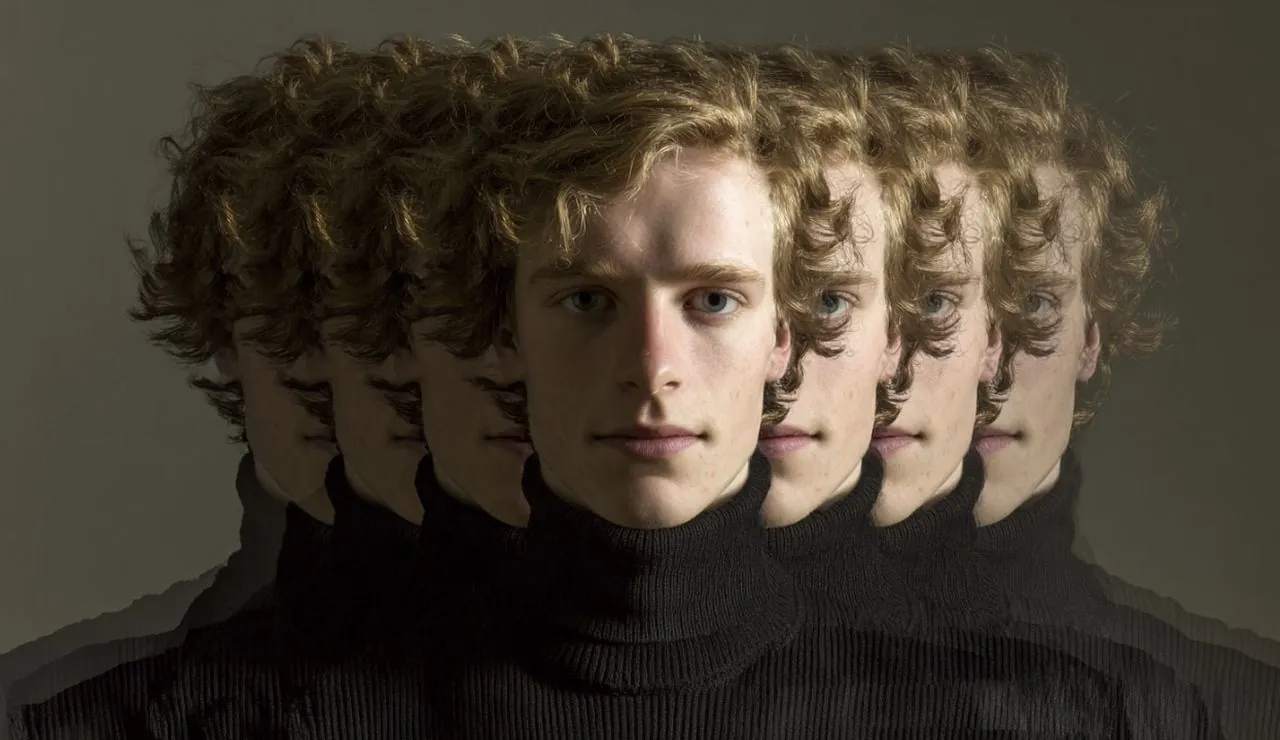
Have you ever wished you could be in two places at once—or better yet, create videos without ever stepping in front of a camera? Thanks to the new capabilities of InVideo AI v4.0, this futuristic scenario is now a reality. Imagine having a digital clone of yourself, complete with your voice, gestures, and expressions, delivering professional-grade videos on your behalf. Whether you’re a content creator overwhelmed by tight deadlines, a marketer juggling multiple campaigns, or a business professional seeking to scale your outreach, this tool promises to transform how you approach video production. With AI avatars doing the heavy lifting, you can focus on what matters most: crafting impactful messages that resonate with your audience.
In this quick-start guide, Kevin Stratvert walks you through the fascinating process of creating your very own AI avatar and harnessing its potential to produce engaging, high-quality videos. You’ll discover how to turn a simple video of yourself into a fully functional digital twin, capable of delivering scripts with lifelike precision. From natural language processing (NLP) that simplifies editing to customizable delivery styles that match your brand, InVideo AI v4.0 offers tools that are as versatile as they are powerful. But how realistic can these AI-generated videos truly be? And what are the creative possibilities when you step beyond your own avatar? Let’s explore the answers and uncover how this technology can transform your content creation journey.
AI Video Avatar Creation
TL;DR Key Takeaways :
- InVideo AI v4.0 allows users to create personalized AI avatars by uploading a high-quality video, allowing lifelike replication of facial expressions, voice, and gestures for video production.
- The platform simplifies video creation by allowing users to generate videos through typed scripts, offering extensive customization options for tone, style, pacing, and platform compatibility.
- Natural Language Processing (NLP) streamlines editing, allowing intuitive text-based commands for tasks like translations, sound adjustments, and visual enhancements with real-time previews.
- Flexible media generation models cater to different budgets and needs, ranging from premium lifelike visuals to cost-effective or free options using pre-existing assets.
- InVideo AI v4.0 is versatile across industries, offering applications for advertisements, testimonials, and A/B testing, while reducing production costs and time with plans starting at $100 per month.
1: Building Your AI Avatar
The first step in using InVideo AI v4.0 is creating your personalized AI avatar. This involves uploading a high-quality video of yourself, which serves as the foundation for the AI to replicate your unique facial expressions, voice, and gestures. To ensure optimal results, follow these guidelines:
- Use a well-lit environment to capture clear visuals.
- Ensure the audio is crisp and free from background noise.
- Meet the platform’s technical requirements for video quality and format.
- Provide explicit consent for the AI to use your likeness.
Once the video is processed, the AI generates a digital twin that mirrors your appearance and mannerisms. This avatar can then deliver scripts and messages as if you were speaking directly to your audience, offering a highly personalized touch to your videos.
2: Simplified Video Creation
After creating your AI avatar, generating videos becomes a straightforward process. InVideo AI v4.0 allows you to craft videos by simply typing a script. The platform offers extensive customization options to suit your specific needs, including:
- Adjusting the tone and style of delivery to match your brand or message.
- Setting the duration and pacing of the content for optimal viewer engagement.
- Configuring platform-specific settings to ensure compatibility and performance.
Whether you’re producing social media content, promotional materials, or educational videos, the tool adapts to your requirements. Additionally, you can control the level of realism in your videos, balancing visual quality with budget considerations.
How to Clone Yourself with AI

Here is a selection of other guides from our extensive library of content you may find of interest on AI avatar creation.
3: Streamlined Editing with NLP
Editing is often one of the most time-intensive aspects of video production, but InVideo AI v4.0 simplifies this process through natural language processing (NLP). This feature allows you to make edits using intuitive text commands. For example, you can:
- Translate your video into multiple languages to reach a global audience.
- Modify background music or sound effects to enhance the mood.
- Adjust visual elements such as colors, overlays, or animations.
The platform provides a real-time preview of your edits, allowing you to refine the output before finalizing the video. This ensures your content aligns with your vision without requiring advanced technical skills.
Flexible Media Generation Models
InVideo AI v4.0 offers a range of media generation models to accommodate different needs and budgets. These options include:
- Generative Ultra UGC: A premium model that delivers highly realistic visuals with lifelike expressions and interactions.
- Generative UGC: A cost-effective option that provides good lip-sync quality and basic interaction capabilities.
- Stock Media UGC/Express Actors: A free option using pre-existing assets for quick and simple video creation.
These models provide flexibility, allowing you to choose the best option for your project, whether you’re aiming for professional-grade content or seeking a budget-friendly solution.
Alternative Actor Options
If using your AI avatar isn’t the ideal choice for a particular project, InVideo AI v4.0 offers alternative actor options to expand your creative possibilities. These include:
- Virtual Actors: Fully AI-generated characters with diverse appearances, styles, and personalities.
- Human Actors: Pre-recorded footage of real people, offering an authentic and relatable touch.
These alternatives allow you to tailor your videos to different audiences or purposes, making sure maximum impact without requiring your direct involvement.
Applications Across Industries
InVideo AI v4.0 is a versatile tool with applications that extend across various industries. Businesses and creators can use this technology to:
- Produce advertisements, testimonials, and explainer videos with minimal effort.
- Create multiple content variations tailored to different platforms and audiences.
- Conduct A/B testing to refine messaging and improve viewer engagement.
By automating much of the production process, the platform reduces the need for large teams or expensive equipment, making high-quality video creation accessible to individuals and organizations alike.
Cost and Accessibility
Getting started with InVideo AI v4.0 is simple and cost-effective. The platform offers a free trial, allowing you to create your AI avatar and explore its features without any initial investment. For ongoing use, paid plans start at $100 per month, granting access to advanced features and higher-quality outputs. This pricing structure ensures that both individual creators and businesses, regardless of scale, can benefit from the platform’s capabilities.
Key Advantages of InVideo AI v4.0
InVideo AI v4.0 offers numerous advantages that can transform your video production process. These include:
- Substantial time and cost savings compared to traditional video production methods.
- The ability to produce professional-grade content with minimal effort.
- Scalability for creating diverse content tailored to various platforms and audiences.
By integrating this AI-driven tool into your workflow, you can enhance creativity, streamline production, and maintain a competitive edge in the fast-paced world of video content.
Media Credit: Kevin Stratvert
Filed Under: AI, Guides
Latest Geeky Gadgets Deals
Disclosure: Some of our articles include affiliate links. If you buy something through one of these links, Geeky Gadgets may earn an affiliate commission. Learn about our Disclosure Policy.
Credit: Source link