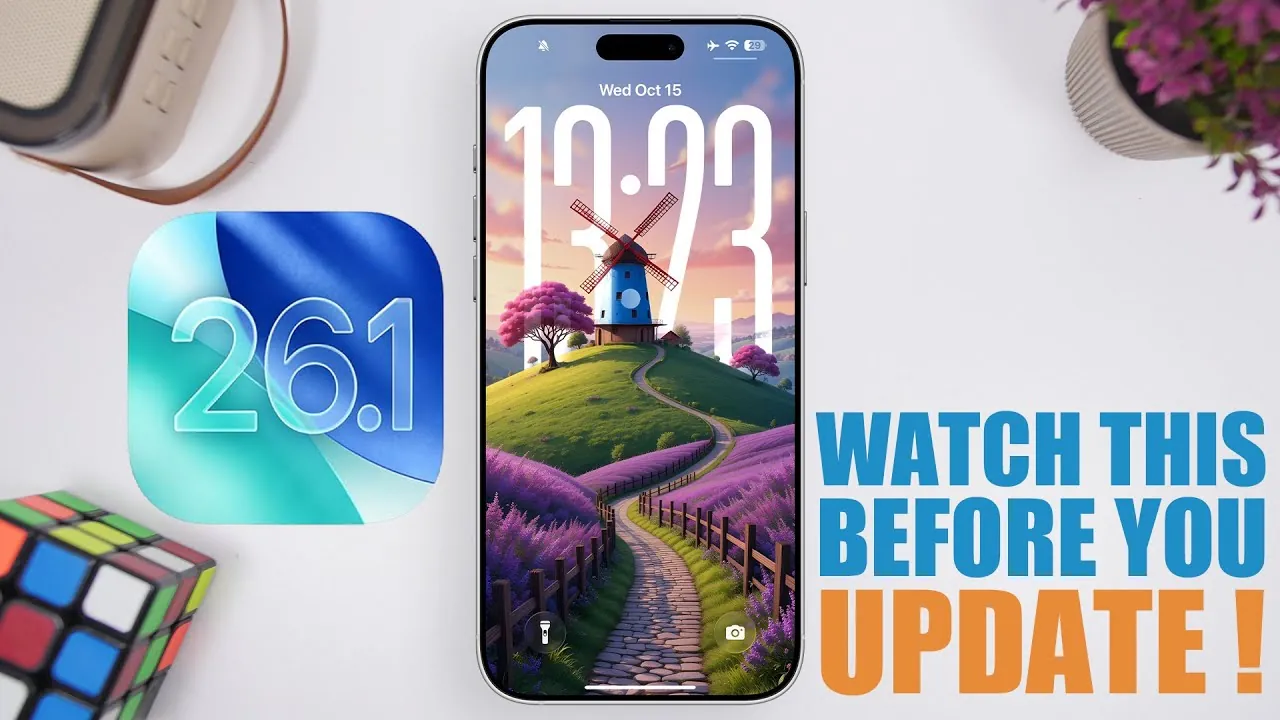
The release of iOS 26.1 represents a significant milestone in the evolution of iOS 26, bringing a range of new features, performance improvements, and subtle design refinements. Scheduled to roll out on October 27 or November 3, this update is designed to enhance your device’s functionality and overall user experience. Below is a detailed guide to help you prepare for and make the most of this update in a new video from iReviews.

Release Timeline
Apple plans to release iOS 26.1 to the public in late October or early November, depending on the progress of its beta testing phase. If you are part of Apple’s beta program, you may already have access to Beta 4 or the Release Candidate (RC) version. The RC version typically mirrors the final public release, giving beta testers an early look at the update’s features and performance. For non-beta users, the update will be available through the Settings > General > Software Update section on your device.
It’s worth noting that Apple often staggers its updates, meaning the exact time the update becomes available may vary by region. Staying informed about the release schedule ensures you can download and install the update as soon as it’s available.
Storage Requirements and Preparation
Before updating to iOS 26.1, it’s essential to ensure your device has adequate free storage. The update size varies depending on your device model, typically ranging from 2 GB to 12 GB. To avoid any installation issues, Apple recommends having at least 20 GB of free space available. This extra buffer ensures the update process runs smoothly and prevents interruptions caused by insufficient storage.
If you need to free up space, consider the following steps:
- Delete unused apps or offload them temporarily using the Offload Unused Apps feature in Settings.
- Transfer large media files, such as videos and photos, to iCloud or an external storage device.
- Clear cache and temporary files from apps that consume significant storage.
Taking these steps ahead of time will help you avoid delays and ensure a seamless update experience.
How to Update
Updating to iOS 26.1 is a straightforward process, especially if your device is already running iOS 26. Follow these steps to install the update:
- Open the Settings app on your device.
- Navigate to General > Software Update.
- Check for the availability of iOS 26.1 and tap Download and Install when prompted.
- Ensure your device is connected to a stable Wi-Fi network and has sufficient battery life or is plugged into a power source during the update process.
If you are a beta tester, you can either update to the Release Candidate version or disable beta updates in Settings and wait for the public release. It’s also a good idea to back up your device using iCloud or iTunes before proceeding with the update to safeguard your data.
Performance and Battery Enhancements
iOS 26.1 focuses on improving both performance and battery efficiency, making sure a smoother and more reliable user experience. Benchmark tests indicate noticeable improvements in system responsiveness, with faster app launches and enhanced multitasking capabilities. Devices running iOS 26.1 have shown higher single-core and multi-core performance scores in tests like Geekbench, particularly on newer models.
Battery optimization is another key area of improvement. While the reported 2-3% increase in battery efficiency may seem modest, it translates to slightly longer usage times during daily activities. Beta testers have reported stable battery performance, with no significant drain issues, making this update a worthwhile upgrade for users seeking better device longevity.
New Features and Design Updates
iOS 26.1 introduces a variety of new features and interface updates aimed at enhancing usability and aesthetics. These changes are designed to refine the overall user experience while maintaining the familiar iOS layout. Key updates include:
- A glass effect on the dock, giving it a modern and polished appearance.
- A redesigned Photos app with an updated menu and improved video scrubbing functionality for easier navigation.
- A new swipe-to-skip feature in Apple Music, allowing users to navigate songs more efficiently.
- A “Show Border” option in Display & Size settings, allowing greater customization of the user interface.
- Expanded language support for live translations, enhancing Apple’s AI-driven language tools for global users.
- Subtle design updates to apps like Phone and Calculator, improving visual consistency across the system.
These additions and refinements aim to make everyday tasks more intuitive while offering users greater control over their device’s appearance and functionality.
What’s Next: iOS 26.2
Apple is already working on iOS 26.2, with its beta version expected to launch shortly after the public release of iOS 26.1. This upcoming update is anticipated to arrive before the December holidays, bringing further refinements and possibly introducing new features. Staying updated with these releases ensures your device remains secure and benefits from the latest advancements in performance and usability.
By keeping an eye on Apple’s release schedule and preparing your device for updates, you can take full advantage of the improvements each new version offers.
Expand your understanding of iOS 26.1 Update with additional resources from our extensive library of articles.
Source & Image Credit: iReviews
Filed Under: Android News, Apple iPhone, Guides, Top News
Latest Geeky Gadgets Deals
Disclosure: Some of our articles include affiliate links. If you buy something through one of these links, Geeky Gadgets may earn an affiliate commission. Learn about our Disclosure Policy.
Credit: Source link