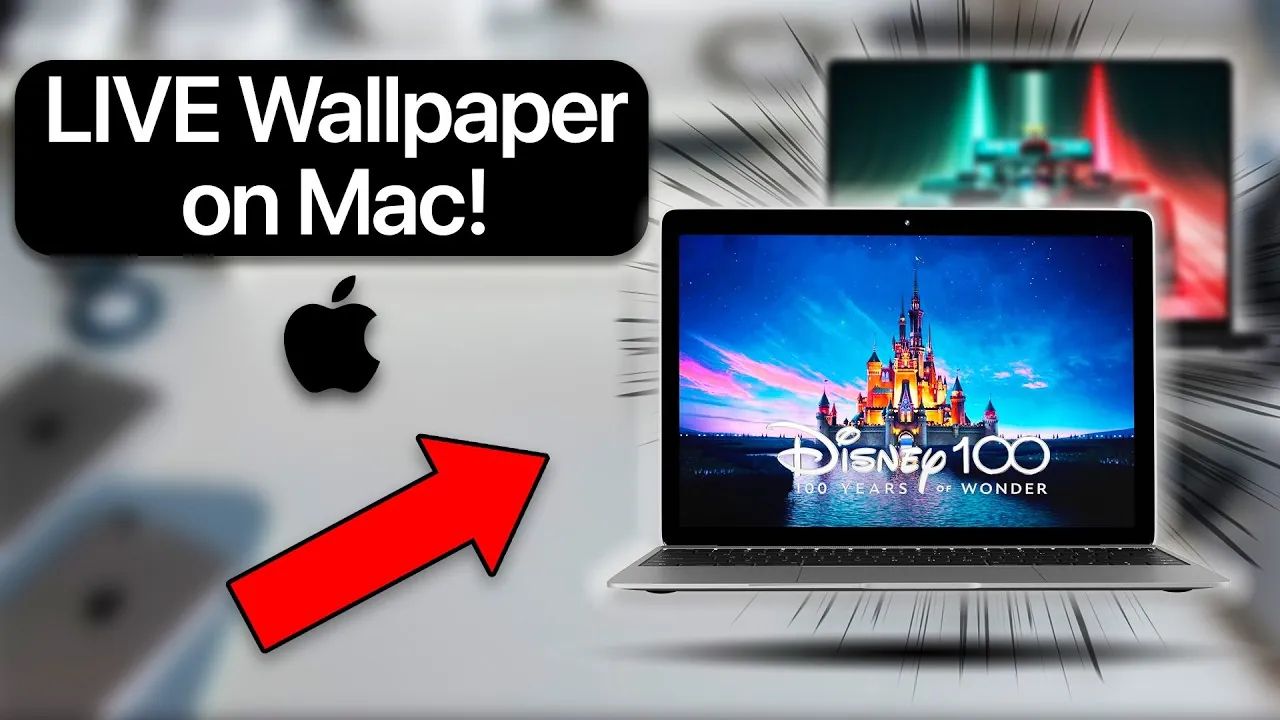
Live wallpapers are an innovative way to bring your Mac desktop to life, combining aesthetic appeal with practical functionality. The Walper app enables you to enhance your workspace by setting dynamic, video-based wallpapers that reflect your personality or mood. Whether you choose from its extensive curated library or upload your own MP4 videos, Walper offers a seamless and intuitive experience for macOS users. The video below from AppleDsign provide more insights into how to use Walper, explores its standout features, and highlights future updates that promise to elevate its utility further.

How to Set Live Wallpapers on macOS
Walper simplifies the process of adding live wallpapers to your Mac desktop, making it accessible even for users with minimal technical expertise. If your system runs macOS 12 or newer, you can quickly get started by following these steps:
- Download and install the Walper app from its official website or GitHub repository.
- Launch the app and explore its library of pre-designed live wallpapers.
- Alternatively, upload your own MP4 video files for a personalized touch.
The app’s user-friendly interface allows you to preview and apply wallpapers with ease. This straightforward process enables you to create a workspace that not only reflects your individuality but also enhances your productivity by setting the right tone or mood.
Customization Options with Walper
Walper offers extensive customization options, allowing you to tailor your desktop experience to your preferences. Whether you prefer serene landscapes, vibrant animations, or personal memories, the app provides the tools to make your desktop uniquely yours. Key customization features include:
- Access to a curated collection of live wallpapers, ranging from abstract designs to calming nature scenes.
- The ability to upload personal MP4 videos, such as travel clips, family moments, or creative projects.
The app’s support for the widely-used MP4 format ensures compatibility with most video files, making it easy to add a personal or creative touch to your workspace. This flexibility allows you to transform your desktop into a dynamic canvas that evolves with your tastes and needs.
Key Features of the Walper App
Walper stands out as a robust and versatile tool for desktop customization, thanks to its advanced functionality and thoughtful design. Here are some of its most notable features:
- GPU Acceleration: Ensures smooth playback of live wallpapers without compromising your system’s performance, even during resource-intensive tasks.
- macOS-Native Integration: Designed specifically for macOS, Walper integrates seamlessly with your system, providing a stable and reliable user experience.
- Open source Platform: As an open source app available on GitHub, Walper encourages contributions from developers and users, fostering continuous improvement and innovation.
- Pro Version Benefits: The pro version unlocks access to over 500 premium wallpapers and advanced customization options, catering to users seeking a broader selection and enhanced features.
These features make Walper a comprehensive solution for users who want to elevate their desktop experience without sacrificing performance or usability.
Future Updates and Enhancements
The Walper development team is committed to expanding the app’s capabilities through regular updates. One of the most anticipated enhancements is the ability to set live wallpapers on the lock screen, a feature that will allow users to extend their customization beyond the desktop. This upcoming functionality is expected to provide a more cohesive and immersive experience, further solidifying Walper’s position as a leading tool for macOS desktop personalization.
Additionally, the team is exploring ways to improve performance optimization, introduce new customization options, and expand the library of available wallpapers. These updates aim to ensure that Walper remains a innovative solution for users seeking dynamic and engaging desktop environments.
Practical Demonstration: Uploading Personal Videos
One of Walper’s standout features is the ability to upload personal MP4 videos as live wallpapers, allowing you to showcase your creativity or relive cherished memories directly on your desktop. Here’s how you can do it:
- Open the Walper app and navigate to the upload section.
- Select the MP4 video file you wish to use from your device’s storage.
- Preview the video within the app to ensure it meets your expectations and fits your desktop layout.
- Apply the video as your live wallpaper with a single click.
This feature is particularly useful for users who want to personalize their workspace with meaningful or inspiring content. Whether it’s a scenic video from a recent vacation, a motivational clip, or a creative project, Walper makes it easy to bring your vision to life.
Why Walper is a Valuable Tool for macOS Users
Walper offers a unique combination of functionality, customization, and performance optimization, making it an invaluable tool for macOS users. Its GPU acceleration ensures smooth playback, while its macOS-native integration guarantees a stable and seamless experience. The open source nature of the app fosters a collaborative environment, encouraging users and developers to contribute to its ongoing development.
For those seeking additional features, the pro version provides access to an extensive library of wallpapers and advanced customization options, catering to a wide range of preferences and needs. With future updates on the horizon, such as lock screen live wallpapers, Walper continues to evolve, making sure it remains a relevant and powerful resource for desktop personalization.
Whether you’re looking to enhance your productivity, express your creativity, or simply enjoy a more visually engaging workspace, Walper delivers a comprehensive solution that adapts to your unique requirements.
Discover other guides from our vast content that could be of interest on Live wallpapers.
Source & Image Credit: AppleDsign
Filed Under: Apple, Guides, Laptops
Latest Geeky Gadgets Deals
Disclosure: Some of our articles include affiliate links. If you buy something through one of these links, Geeky Gadgets may earn an affiliate commission. Learn about our Disclosure Policy.
Credit: Source link