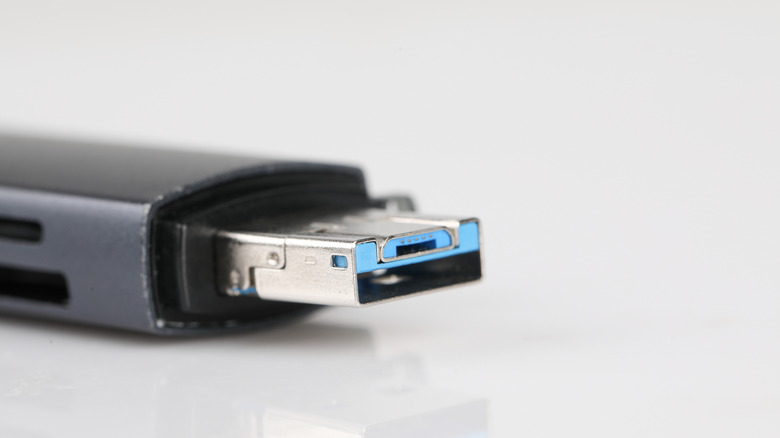
exFAT is best for cross-platform usage.
Formatting a USB drive might seem straightforward until you’re faced with options like exFAT, NTFS, and FAT32. Choosing the wrong format can lead to compatibility issues, failed file transfers or increased risk of data corruption.
Both exFAT and NTFS are Microsoft-developed file systems designed for different purposes. exFAT is ideal for external drives shared between Windows and Mac, while NTFS is better for Windows-only drives that require added security and reliability. But let’s dive into the details and break down the differences between exFAT and NTFS to help you make the right choice.
Which format is better, NTFS or exFAT?
In some ways, asking which is “better” is like comparing apples to oranges — they’re built for different jobs. NTFS is Microsoft’s advanced file system for Windows, offering features like file permissions, encryption and journaling to protect data during unexpected interruptions. It’s the default file system for most Windows PCs and is ideal for internal drives or Windows-only setups.
exFAT is a lightweight, cross-platform alternative introduced in 2006. It’s designed for external drives that need to work seamlessly across operating systems like Windows or macOS. The best choice depends on where you’ll be using the drive and how you’ll use it.
What is exFAT good for?

exFAT excels at compatibility and handling large files. This is a great choice if you share files between Windows and Mac computers. It works great with large files, like 4K videos or disk images. The format is ideal for flash-based storage like USB drives, SD cards, or portable SSDs.
One downside is that while exFAT is highly compatible, it lacks some of the advanced features we see in NTFS like journaling, which makes it more prone to data corruption during interruption. It also doesn’t support file permission or encryption, limiting security for sensitive data. Even though it’s compatible with macOS, it won’t work with macOS Time Machine backups — you’ll need APFS or Mac OS Extended for that.
What is NTFS good for?
NTFS is ideal for drives that remain in the Windows ecosystem or when securing data matters most. You should choose NTFS if you use a Windows-only setup, as NTFS is the default format for most internal drives. If you need security features like file permissions and encryption for sensitive data, NTFS is the format of choice too. The downside is that NTFS is not fully compatible with macOS. Macs can read NTFS drives but can’t write to them without third-party software.
Should you format your USB to NTFS or exFAT?
If you need a general-purpose drive that works across Windows and Mac, exFAT is the best choice. It avoids the file size limits of FAT32 and works seamlessly across both operating systems. For drives dedicated to Windows-only use, especially those storing sensitive data or backups, NTFS is a more dependable and robust format.
Credit: Source link