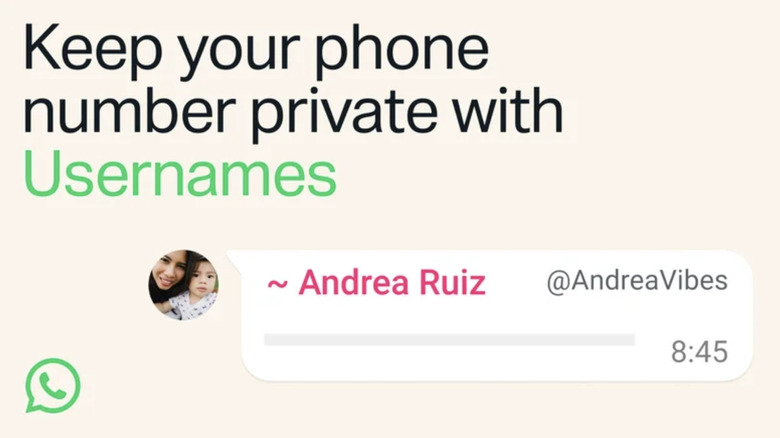
Get ready to navigate a free-for-all of social media handles.
Earlier this week, Meta announced that its popular messaging platform WhatsApp would introduce usernames. These handles can replace people’s phone numbers, allowing them to keep that personal contact info more private if they wish. The username feature is not active yet, and it will see a global rollout over the coming months.
However, reservations for usernames are now open, and already there’s been a scramble for people to secure how they want to be known to their friends and family as well as to the app’s broader community. If you want to have the same tag on all your platforms, you’ll want to act quickly. Here’s what you need to know to lock down your WhatsApp username.
How to reserve a username
For now, the username reservations are only available on the mobile versions of WhatsApp. If you keep your app updated, you may receive a notification when usernames are available for you to reserve. If you think you missed the notification or just want to get to the menu on your own, here are the steps to take:
For iPhone
- Tap the You button
- Tap your profile
- Pick “Create Username” or “Reserve Username” (The option may vary based on the stage of the rollout.)
- Tap Save > Done
For Android
- Tap the three-dot menu
- Tap Settings
- Tap your profile
- Pick “Create Username” or “Reserve Username” (Again, what you see depends on what’s available to you.)
- Tap Save > Done
Restrictions on WhatsApp usernames
As with most other social networks, your username must be unique. That means no matter how much you might want to be known as GlitterQueen4Eva, if someone else snatches that title first, you’ll need to come up with an alternative. The only way you might be lucky enough to grab an already-taken username is if that person opts to change what they have reserved, which can happen. Once a claimed handle has been changed or deleted, that name goes back up for grabs after 14 days. Meta hasn’t specified how many times a person will be allowed to change their handle, but a limit will be applied at some point.
In the above menus, if you don’t want to create a new ID for yourself, you’ll see an option to use your same username from Facebook or Instagram. Assuming nobody else has already snagged it, you can lock that name down. You may want to go with an original name for WhatsApp if privacy is your goal for a username.
In more practical terms, a username must be between three and 35 characters. They can contain lowercase letters, numbers, underscores and periods. You won’t be allowed to have a username of all numbers, and “restricted words or phrases” also won’t be permitted.
Use common sense to avoid scams
Meta has some measures planned to ensure that messages are coming from people you know, such as an authorization key for people contacting you by username for the first time. However, there are concerns that putting unverified names to accounts could increase the odds of scammers convincing their targets that they are somebody else. While Meta won’t be allowing just anyone to claim that they’re Beyoncé or Tim Cook, the company hasn’t explained if or how it will check for copycats. Although it’s safe to assume the real Taylor Swift won’t suddenly message you desperate for money, social media scams have cost unsuspecting people billions of dollars in the US alone.
Meta is already facing pushback against the global rollout in India. Reuters reported that the Indian government is calling for Meta to freeze the rollout until it can provide additional justifications for the feature and how the company will combat the elevated risks of fraud. India is the largest market for WhatsApp with more than 500 million users.
Credit: Source link