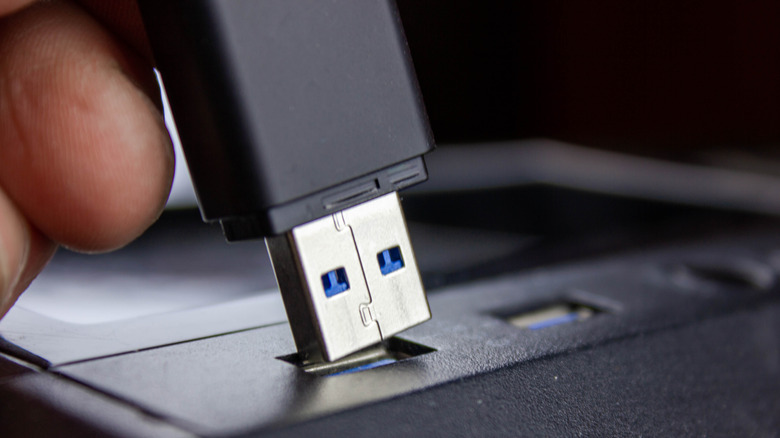
Time to deal with that overflowing drawer of tangled old cables.
It seems like every portable gadget comes with a USB cable. Nowadays, they come with USB-C cables, which means you have less and less need for a traditional USB-A cable. Chances are, somewhere in your house is one of those overstuffed drawers filled with extra cables, batteries and other accessories you don’t use but somehow swear one day you might need. At some point, as with wardrobe items that have been collecting dust in the back of your closet, you’ll decide it’s time to get rid of those old USB cables. That’s especially important if you notice frays, tears and breaks, or if the cables overheat when plugged in, suggesting they’re no longer safe to use.
It’s important to recycle your old cables instead of throwing them in the garbage for the same reason it’s crucial to recycle all electronics: If thrown out, they can be buried in a landfill or burned, and many have plastics or rubber that can release harmful substances, causing pollution. Plus, wires have copper and aluminum, which can be recycled and returned to production and used for everything from medical equipment to jewelry. That reduces the need to mine new copper, which uses lots of energy and water. Plus, if the cables still work and are safe to use but you simply don’t need them, someone else might. It’s a good idea to support the circular economy.
So, before you toss an old USB cable in the garbage, consider the environment and recycle it instead. It’s pretty easy to do no matter where you’re located across the U.S.
Go to a local chain store or other depot
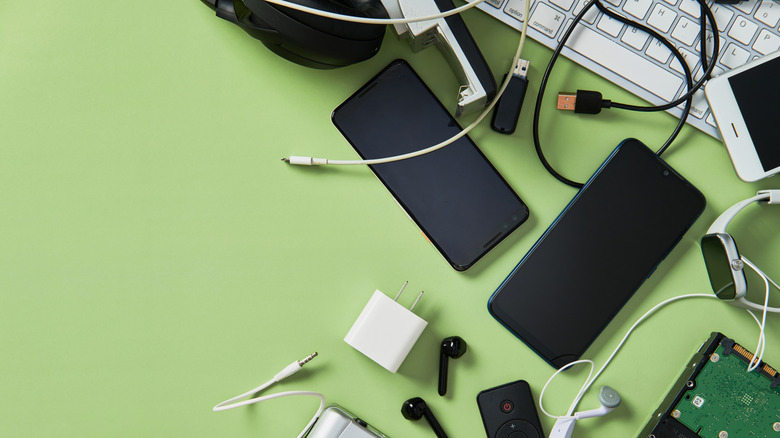
The options are endless when considering where to recycle your old gadgets, including USB cables. Most national chain retailers like Staples and Best Buy have recycling programs that accept old gadgets, including cables, at the service desk or a drop box at the front of the store. These are then sent out for safe recycling. If you want to recycle loads of gadgets, including that drawer full of cables, Best Buy even has a mail-in service. Purchase a box from Best Buy, which comes with tape, a prepaid UPS shipping label and an instruction sheet. Fill it up with tech to be recycled and send it in from a UPS drop-off location.
At Staples locations, you can also take your unwanted cables to the checkout counter to request assistance in safely recycling them. There’s a limit of seven items per day, but if you’re popping in to buy home office or school supplies, bring that old cable or two with you to ensure it doesn’t end up in a landfill. Staples has a similar mail-in program as well, using a purchased recycling box and a drop-off at a UPS location.
Failing that, some manufacturers handle recycling of their old products, though they might not accept the cable only. Look for local recycling depots, which you can find via searchable databases like The Battery Network, or visit your local waste management facility, which may accept old cables for drop-off. Wait until you have a full load of garbage and recycling to take in and make one big trip, cables included.
What cables should you keep?
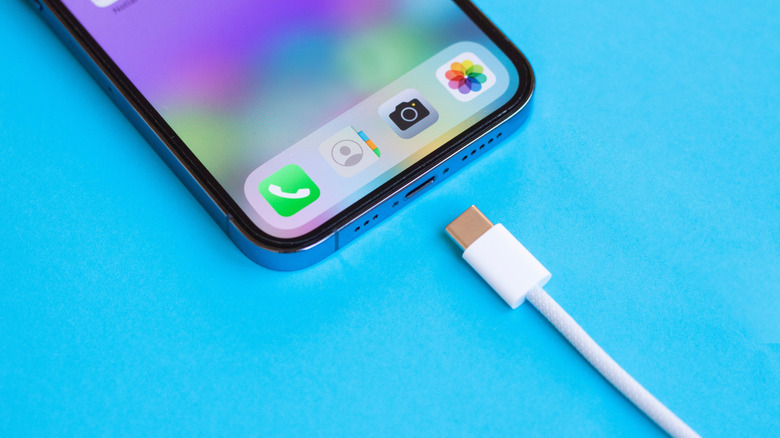
It’s worth noting that while safely recycling your old cables is the right way to go, you don’t necessarily need to get rid of them. While you don’t want to keep more than you need, having a few backup cables is not a bad idea. Keep a few USB-A cables lying around for legacy devices, power adapters and portable chargers. Instead of tossing one, consider keeping it in your travel backpack or carry-on luggage as a spare. Maybe store it in the glove compartment of the car or add it to your trunk emergency kit.
You might find that even older USB cable types like mini USB and micro USB are worth keeping around. I have unearthed old gadgets I wanted to power up, like cameras and tablets, and keeping a couple of these old cables around allowed me to do that. While you might not need 20 of them, one of each type will suffice.
Some specialty first-party cables are worth more than you think used, and you might be able to sell them. For example, original Apple USB cables or PlayStation cables are well constructed and expensive, so those who want one might be willing to pay a pretty penny for it. If you don’t want to go through the trouble of selling valuable cables, at least find a friend, family member or neighbor who might be able to make use of them. You can also donate cables to a local shelter, church or other organization that might be able to use them or provide them to someone in need. Thrift stores like Goodwill may also accept good-condition, working cables.
For the cables you do decide to keep, use handy cable ties to organize the drawer. You’d be surprised how much neater a drawer full of cables can look when they are nicely arranged and neatly tied. Even so, don’t keep ones you’ll never use or that you have dozens of. Organize a few and safely recycle the ones you don’t want or are unsafe to use.
Credit: Source link