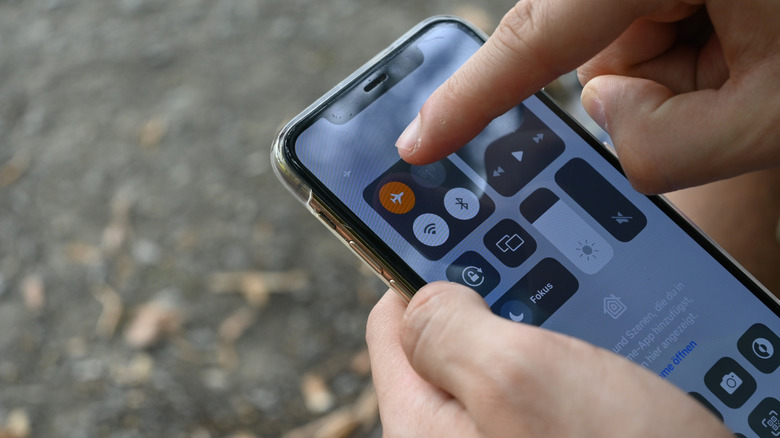
There are better ways to increase your charging speed.
Even though the latest smartphones have better battery life than ever, and there are many ways to improve your phone’s battery life, we’re always trying to maximize charge time. Thankfully, many of the latest smartphones charge at a faster rate, both wired and wirelessly. But anything you can do to speed up charging is worth trying, especially in a pinch. One simple strategy that people use often is to turn on airplane mode while the phone is charging. It seems like one of those old wives’ tale methods that are a bit questionable, but you do it anyway. Does it really make a difference?
The short answer is yes, flipping your phone to airplane mode while it’s charging can help it charge more quickly. However, the difference in charging speed is rather negligible. So, you may find that the downsides of having your phone become virtually unusable while charging aren’t worth the upside of it being able to charge marginally faster.
What happens in airplane mode
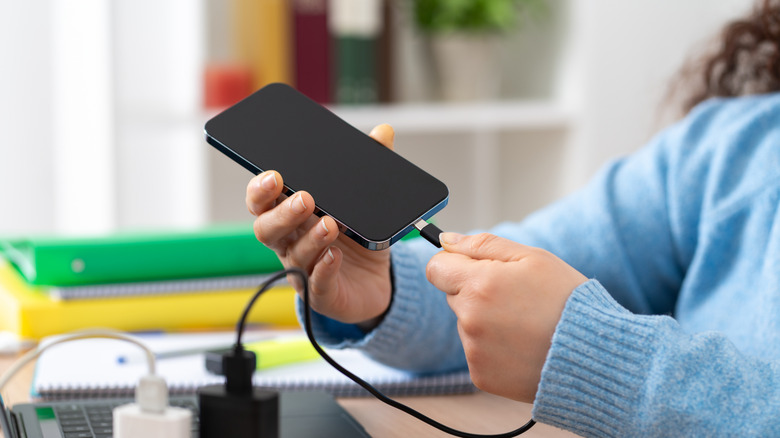
Airplane mode is primarily designed for, as the name implies, use on an airplane. It temporarily disables wireless transmission, including your cellular connection, Wi-Fi and Bluetooth, as well as notifications and any other online content. The purpose is to comply with airline regulations while you’re in flight. But the feature can also be used to shut down your phone’s communications without turning it off when you don’t want to be disturbed. That said, a better option in those scenarios is to use a do not disturb or focus mode.
Using airplane mode does also have a secondary benefit of saving battery life, which you can do in a pinch if you’re headed home without access to a charger, for example, and need to conserve what little battery life you have left. While charging, enabling airplane mode does stop your phone from continuously searching for signals. But the battery life savings aren’t worth rendering your phone completely inactive. Tests have found that using airplane mode only results in a 4- to 11-minute savings in charge time. This goes for both older models and newer, more efficient phones. So, airplane mode can be a benefit when you are desperate for as much power as you can possibly get in as short a time as possible, but you’ll have to weigh this against the reality that it means you can’t use your phone at all, except for offline activities, while it’s charging.
What to do instead
If you’re looking to get the most possible efficiency out of charging, upgrade your charging power block and cable. While some phones support faster charging speeds, they don’t always come with a power block that supports that speed: you need to buy it separately. In fact, phones like the Samsung Galaxy S26 Ultra don’t even come with a power adapter in the box at all. Nor do the Apple iPhone 17 series phones, which support charging speeds up to 40W, 20W for the iPhone Air. Check the maximum charging speed for your device, and get a power block that supports at least that to recharge at maximum speed.
The same goes for wireless chargers. If your phone supports Qi2 charging, invest in a wireless Qi2 charger for quicker charging sans messy cables. Additionally, swapping out your USB-A-to-USB-C cable for a USB-C-to-USB-C will make for even faster charging. And invest in reputable cables from known brands, as the cable quality can also impact charging speed.
The trade-off isn’t worth it
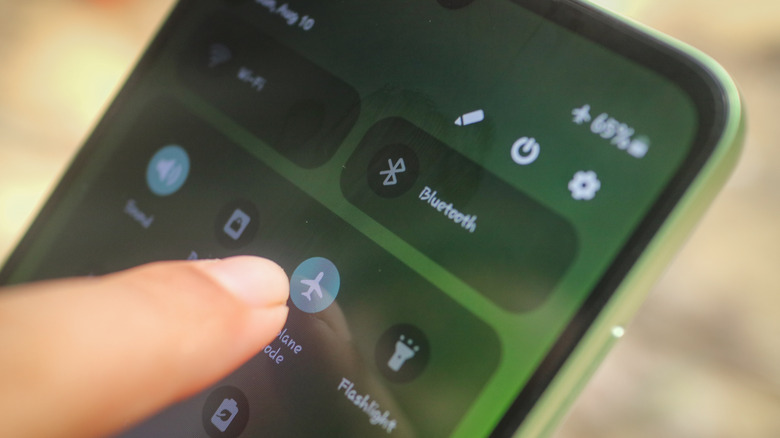
While you don’t necessarily get any significant value out of putting the phone in airplane mode when it’s charging, doing so is good for one reason: it discourages you from constantly lighting up the phone to check messages or scroll. If you can refrain from doing that even when the phone isn’t in airplane mode, however, the battery will charge faster. View notifications on the preview screen or even on a companion smartwatch screen and don’t bother unlocking your phone unless it’s something urgent. The more you light up your phone and perform activities while it’s charging, the slower it will charge.
What if an urgent call or message comes in, after all? It’s not worth it. Along with investing in a power block that supports the phone’s maximum speed and using a quality cable, buy a portable power bank to take with you on the go. It’s a much more efficient method of getting a quick charge than turning your phone into a brick for an hour.
Credit: Source link