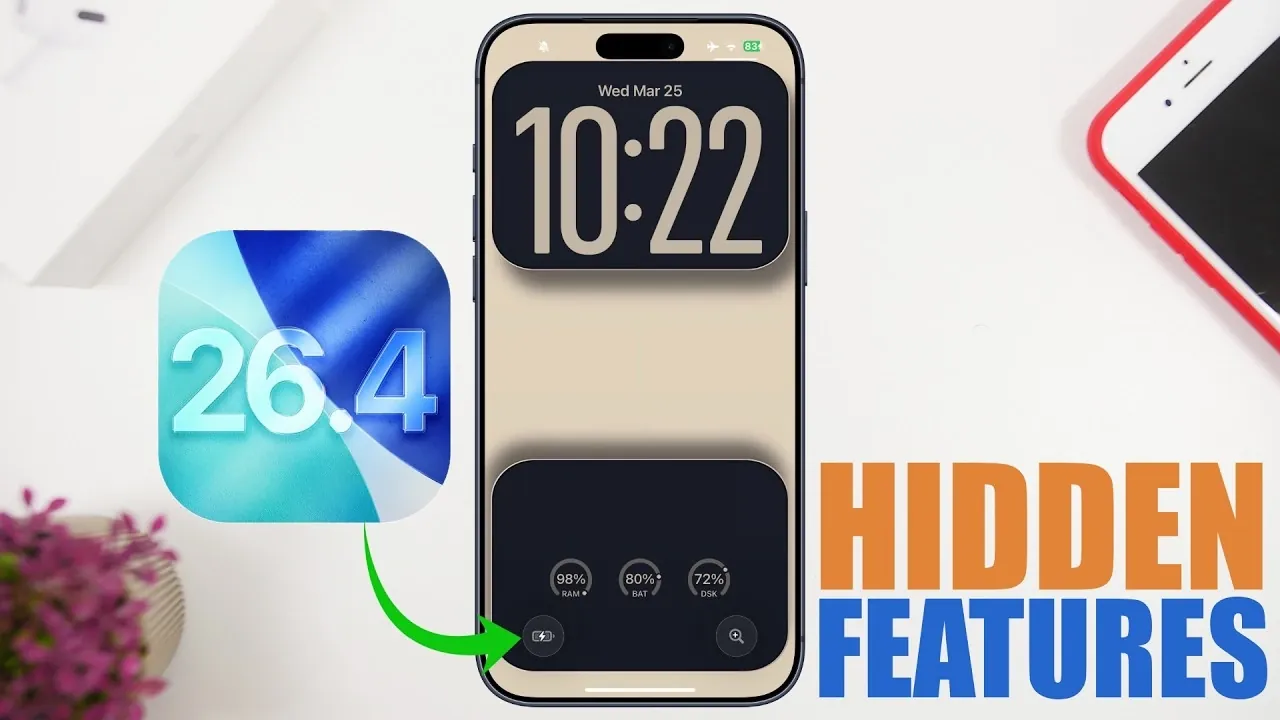
Apple’s iOS 26.4 update introduces a variety of hidden features aimed at enhancing functionality, personalization, and control. These updates are designed to improve your daily interactions with your device, offering smarter tools and a more refined user experience. Below, we explore the most notable features and how they can make a difference in your everyday use. The video below from iReviews gives us more details on some of the hidden features in iOS 26.4.

Smarter Playlists in the Music App
The Music app now uses AI-driven technology to create playlists tailored to your preferences. By providing customizable prompts, you can guide the AI to generate playlists that align with your mood, activity, or specific tastes. This feature simplifies the process of discovering music that resonates with you. Additionally, the ability to add songs to multiple playlists simultaneously streamlines library management, saving you time and effort.
Prioritize Tasks with “Urgent Reminders”
The Reminders app introduces a new “Urgent Reminders” section, designed to help you focus on high-priority tasks. With a single tap, you can mark reminders as urgent, making sure they stand out in your to-do list. This feature is particularly beneficial for managing tight schedules, meeting deadlines, or staying on top of critical responsibilities. It offers a practical way to organize your day with greater efficiency.
Battery Charge Limit Shortcut
A new shortcut in the Shortcuts app allows you to set a temporary battery charge limit between 80% and 100%. This feature is especially useful for preserving long-term battery health by preventing overcharging during extended charging sessions. By giving you more control over how your device manages its power, this update ensures your battery remains in optimal condition for longer.
Personal Hotspot Data Tracking
Tracking data usage on your personal hotspot is now more intuitive. iOS 26.4 provides detailed insights into connected devices, including their names, models and the last time they accessed your hotspot. This feature allows you to monitor data consumption effectively, making sure fair usage among all connected devices. It also helps you identify and manage unauthorized or excessive usage.
Redesigned Account Pages
Apple has revamped account pages across apps like the App Store, Music and Podcasts. The updated design features a cleaner and more organized interface, making it easier to navigate and manage your account settings. Direct shortcuts to app-specific settings are now included, improving accessibility to frequently used options. This redesign enhances the overall user experience by simplifying account management.
Streamlined Settings App
The Settings app now hides the iOS build number by default, reducing unnecessary visual clutter. For users who need this information, a toggle option is available to make it visible. Additionally, FaceTime introduces a new feature to filter and block international calls, giving you greater control over incoming communications. These updates reflect Apple’s commitment to providing a more streamlined and customizable user experience.
Enhanced Safari Browsing Restrictions
Safari now includes stricter browsing restrictions for users with Screen Time passcodes enabled. The ability to clear browsing history is restricted, making sure that parental controls or self-imposed limitations remain intact. This feature enhances accountability and security for web activity, making it particularly useful for families or individuals who prioritize online safety.
Simplified Contact Management
The Contacts app now offers a one-tap option to remove contact posters, simplifying the process of managing your contact list. This update is especially helpful for users who frequently update or reorganize their contacts. Additionally, Apple has introduced a liquid glass aesthetic for button designs, providing a sleek and modern visual upgrade that complements the overall interface.
Improved FaceTime Call Controls
FaceTime now allows you to block or filter international calls directly from the app. This feature is particularly useful for reducing spam calls or managing communication preferences. By giving you more control over who can reach you, this update enhances the overall convenience and security of FaceTime communications.
Hidden Safari Features
Safari introduces several subtle yet impactful updates, including improved privacy settings and enhanced browsing controls. These changes ensure a more secure and seamless browsing experience, catering to users who prioritize online safety and efficiency. Whether you’re managing sensitive information or simply browsing the web, these updates provide added peace of mind.
Why iOS 26.4 Matters
iOS 26.4 delivers a range of hidden features that enhance usability, personalization and control across your device. From AI-driven playlists in the Music app to advanced task prioritization in Reminders and improved data tracking for personal hotspots, these updates cater to a variety of user needs. Whether you’re looking to streamline daily tasks, protect your battery health, or enjoy a more polished interface, iOS 26.4 offers meaningful improvements that make your device smarter, more intuitive and better suited to your lifestyle.
Take a look at other insightful guides from our broad collection that might capture your interest in iOS 26.4.
Source & Image Credit: iReviews
Filed Under: Apple, Apple iPhone, Top News
Disclosure: Some of our articles include affiliate links. If you buy something through one of these links, Geeky Gadgets may earn an affiliate commission. Learn about our Disclosure Policy.
Credit: Source link