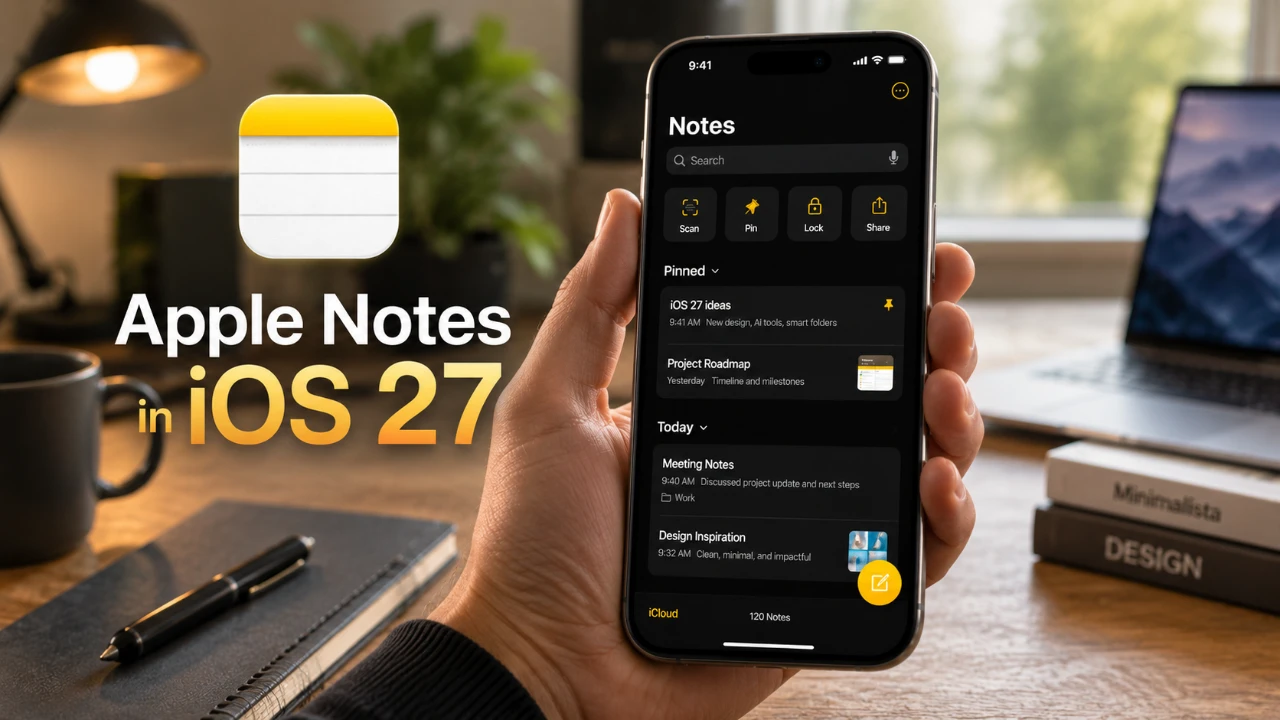
The release of iOS 27 brings a comprehensive set of updates to Apple Notes, enhancing its functionality and making it a more robust tool for users with diverse needs. Whether you’re jotting down quick ideas, managing detailed projects, or collaborating with a team, these new features focus on improving organization, creativity, and collaboration. With seamless integration across Apple devices and advanced tools, Apple Notes is now better equipped to support both personal and professional workflows. The video below from 9 to 5 Mac gives us a look at the new features coming to Apple Notes in iOS 27.

Innovative Organizational Features
iOS 27 introduces several tools designed to simplify how you organize and navigate your notes, making sure a more efficient experience for users handling anything from casual lists to complex documentation. These features include:
- Divider Lines: Easily separate sections or ideas within a note, creating a cleaner and more structured layout.
- Section Links: Navigate lengthy notes effortlessly by linking directly to specific sections, saving time and reducing frustration.
- Markdown Support: Export notes in Markdown format for compatibility with external platforms or tools, making it easier to share or repurpose content.
These updates are particularly beneficial for users managing extensive projects, as they allow for better categorization and quicker access to critical information. By streamlining organization, Apple Notes ensures that your content remains accessible and well-structured.
Enhanced Siri AI Integration for Productivity
Siri’s expanded capabilities in iOS 27 make Apple Notes more dynamic and accessible, offering a hands-free experience that boosts productivity. With the latest updates, Siri can:
- Create, edit, and format notes through voice commands, allowing faster and more efficient note-taking.
- Generate content such as lists, paragraphs, or outlines and insert them directly into your notes.
- Manage shared notes by updating content or notifying collaborators, making sure everyone stays aligned.
These AI-driven enhancements are particularly useful for multitasking, allowing you to focus on other tasks while Siri handles note management. Whether you’re brainstorming ideas or coordinating with a team, Siri’s integration ensures a smoother workflow.
Creative Tools with Image Playgrounds
For users who rely on visuals, the new Image Playgrounds feature in Apple Notes offers a versatile set of tools for creating and editing images directly within the app. Key functionalities include:
- Sketching and Illustration: Use built-in tools to draw quick sketches or create detailed designs without needing external software.
- Annotation Capabilities: Add notes, highlights, or comments to images, making it easier to provide context or feedback.
- Style Adjustments: Refine images with customizable styles to align them with your project’s requirements.
By integrating these creative tools, Apple Notes eliminates the need to switch between apps, keeping your workflow uninterrupted and efficient. This feature is ideal for designers, students, or anyone who incorporates visuals into their projects.
Refined Collaboration Features
Collaboration within Apple Notes has been significantly improved in iOS 27, making it easier for teams to work together in real time. The new features include:
- Active User Indicators: Instantly see who is currently editing a shared note, fostering better coordination and reducing miscommunication.
- Enhanced Communication Tools: Collaborate more effectively with features that support brainstorming, editing and finalizing projects as a group.
These updates make Apple Notes a reliable platform for teamwork, whether you’re working on professional projects, academic assignments, or family plans. The enhanced collaboration tools ensure that all contributors can stay connected and productive.
Streamlined Workflow and Cross-Device Integration
iOS 27 introduces several updates aimed at improving the overall user experience, making sure that Apple Notes remains a versatile tool for various tasks. These enhancements include:
- Support for Long-Form Notes: Draft detailed documents or extended writing projects with ease, thanks to improved formatting and navigation options.
- Seamless Device Integration: Switch effortlessly between your iPhone, iPad, or Mac without losing progress, making sure a consistent experience across all devices.
These workflow improvements cater to both casual users and professionals, offering a unified and efficient note-taking experience that adapts to your needs.
Elevating the Apple Notes Experience
With iOS 27, Apple Notes has evolved into a more powerful and versatile tool, capable of meeting the demands of modern users. The introduction of advanced organizational features, AI-driven Siri integration, creative tools like Image Playgrounds, and enhanced collaboration capabilities ensures that the app is well-suited for a wide range of tasks. Whether you’re managing daily responsibilities, working on creative projects, or collaborating with a team, Apple Notes in iOS 27 provides a streamlined and productive experience tailored to your workflow.
Here are more guides from our previous articles and guides related to Apple Notes that you may find helpful.
Source: 9to5Mac
Filed Under: Apple, Apple iPhone, Guides
Disclosure: Some of our articles include affiliate links. If you buy something through one of these links, Geeky Gadgets may earn an affiliate commission. Learn about our Disclosure Policy.
Credit: Source link