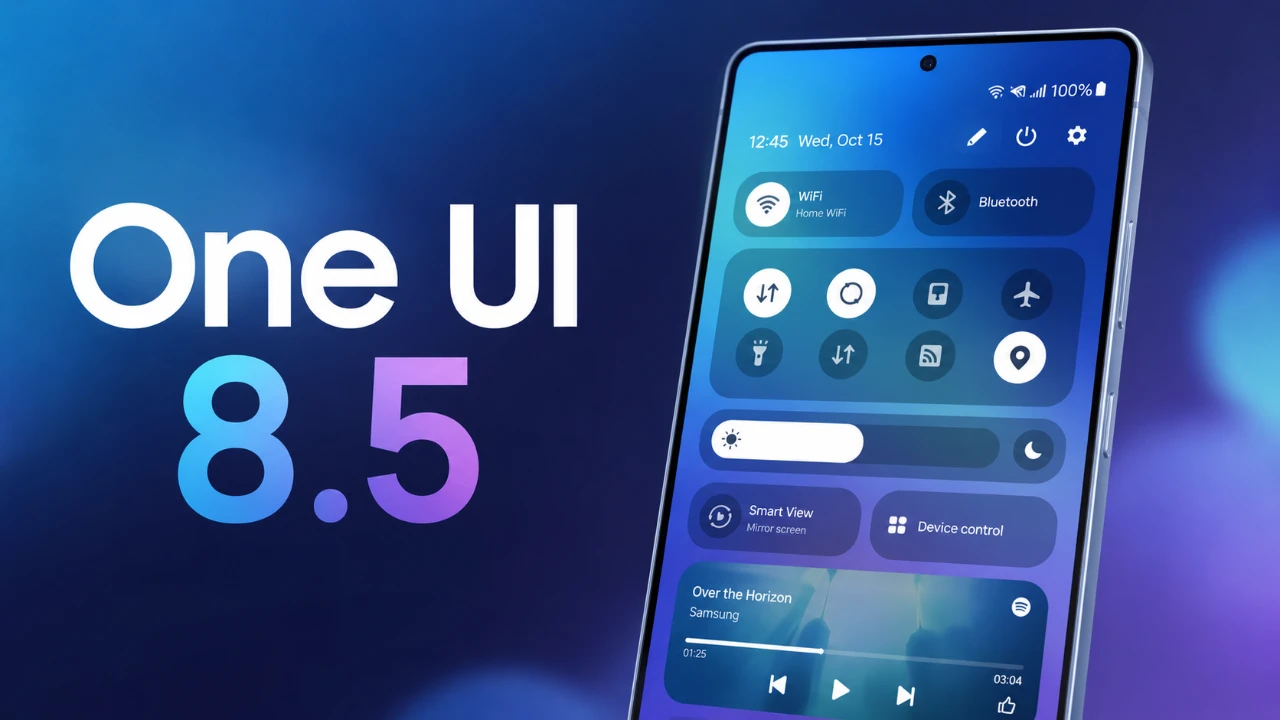
The Galaxy S25 Ultra, equipped with the latest One UI 8.5 update, offers consistent and dependable battery performance with some subtle adjustments compared to its initial release. While the update introduces minor changes, the device continues to cater to the demands of everyday users. The video below from AppX explores the key aspects of its battery performance, including screen-on time (SOT), usage patterns, idle drain, and factors influencing efficiency, providing a comprehensive understanding of what to expect.

Screen-On Time (SOT): What’s Changed?
With the One UI 8.5 update, the Galaxy S25 Ultra achieves an average screen-on time of 7 hours and 45 minutes under moderate usage conditions. This represents a slight decrease from the 8-hour SOT observed when the device was new. The testing was conducted using the QHD display setting and standard performance mode, which strikes a balance between visual quality and power efficiency.
This reduction in SOT may not significantly impact most users, but it highlights the importance of optimizing settings based on individual usage patterns. For instance, switching to FHD resolution or allowing adaptive power-saving features can help extend battery life for those seeking additional longevity.
How Usage Patterns Affect Battery Life
Daily activities play a critical role in determining how long the Galaxy S25 Ultra’s battery lasts. Here’s a closer look at how different tasks influence screen-on time:
- Media Consumption: Streaming content on platforms like YouTube or Prime Video accounted for approximately 3 hours of usage. Allowing the 60Hz refresh rate mode during these activities helped conserve battery without compromising the viewing experience.
- Gaming: Resource-intensive games such as Battlegrounds India (PUBG) caused a noticeable battery drain during a 1-hour session. Gaming remains one of the most demanding activities for the device, reducing overall battery efficiency.
- Everyday Tasks: Routine activities like browsing, taking photos, making calls and running background apps contributed to moderate battery consumption, with no significant spikes in drain.
By understanding how specific tasks impact battery life, users can make informed decisions about optimizing their device settings for better efficiency.
Idle Battery Drain: A Slight Increase
One UI 8.5 has introduced a minor increase in idle battery drain. Overnight, the Galaxy S25 Ultra experienced a 7-8% battery drop over 7-8 hours of inactivity, compared to the 5% drop observed before the update. While this change is relatively small, it may be noticeable for users who rely on extended standby times, such as during travel or periods of minimal device usage.
To mitigate idle drain, users can consider disabling unnecessary background processes, optimizing app settings, or allowing battery-saving modes during extended periods of inactivity.
Battery Life Estimates Based on Usage
The Galaxy S25 Ultra’s battery life varies significantly depending on usage intensity. Here’s an estimate of what users can expect under different scenarios:
- Moderate Usage: Approximately 24 hours of battery life, including a mix of media streaming, browsing and light gaming.
- Light Usage: Up to 1.5 days of battery life with minimal screen time and limited background activity.
- Heavy Usage: Battery life typically lasts from morning until late evening (around 9-10 PM), especially when engaging in tasks like gaming, video recording, or prolonged camera use.
These estimates provide a practical guideline for users to plan their charging schedules based on their daily routines.
Key Factors Influencing Battery Performance
Several factors contribute to the Galaxy S25 Ultra’s battery efficiency under One UI 8.5. Understanding these elements can help users optimize their device for better performance:
- Refresh Rate: The device’s adaptive refresh rate feature allows users to switch between 60Hz and 120Hz. While 120Hz provides smoother visuals, it can reduce battery life. Opting for 60Hz during media consumption or routine tasks can significantly extend usage time.
- Gaming: Intensive gaming sessions remain one of the most power-hungry activities, reducing SOT to around 5-6 hours depending on the game’s resource demands. Adjusting graphics settings within games can help mitigate battery drain.
- Software Optimization: After a major update like One UI 8.5, the device may take a few days to optimize its performance. During this period, users may notice slight fluctuations in battery life, which typically stabilize over time.
By using these insights, users can tailor their device settings to align with their specific needs, making sure a balance between performance and efficiency.
Community Insights: Share Your Experience
The Galaxy S25 Ultra’s battery performance under One UI 8.5 may vary based on individual usage patterns, settings and habits. If you own a Galaxy S25 Ultra or other models in the S25 series, such as the S25 Plus or S25 regular, sharing your experience can provide valuable insights into how the update impacts battery life across different devices. Community feedback is essential for identifying trends and uncovering potential optimizations that may benefit a broader audience.
Engaging with the community also helps users discover tips and tricks to enhance their device’s battery performance, fostering a collaborative environment for improving the overall user experience.
Here are more guides from our previous articles and guides related to Battery performance that you may find helpful.
Source: AppX
Filed Under: Android News, Mobile Phone News
Disclosure: Some of our articles include affiliate links. If you buy something through one of these links, Geeky Gadgets may earn an affiliate commission. Learn about our Disclosure Policy.
Credit: Source link