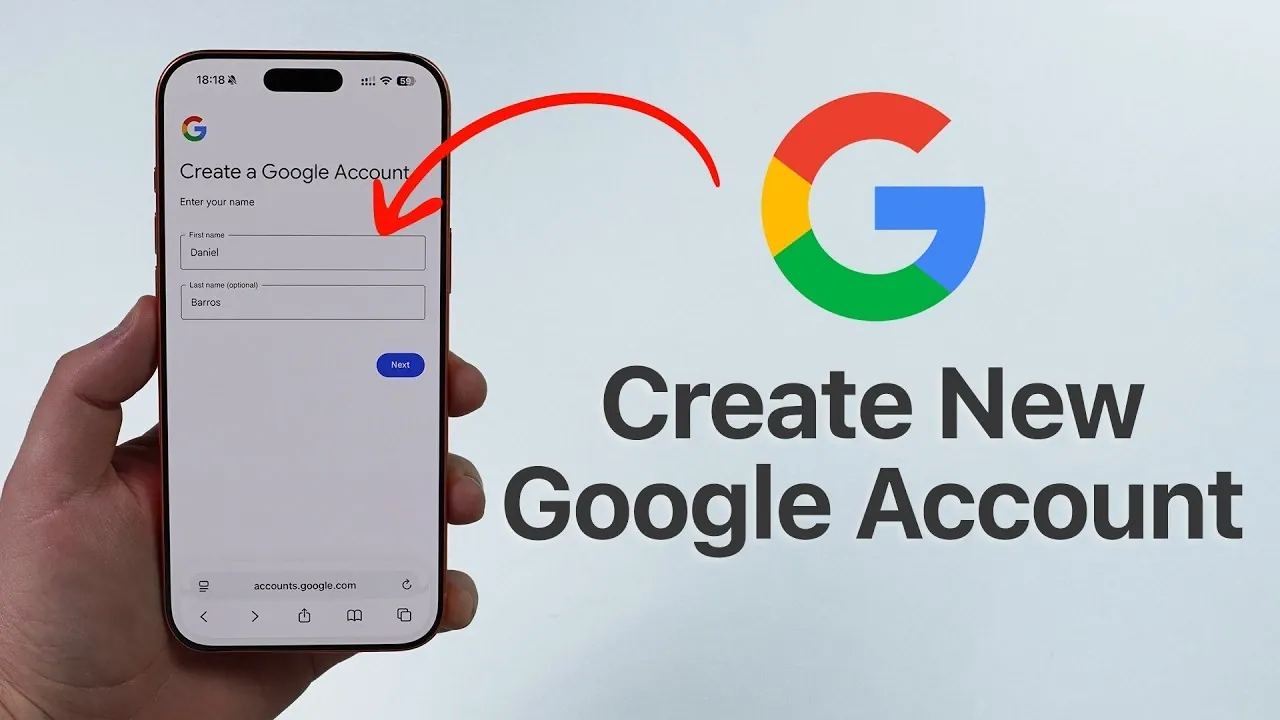
Setting up a Google account in 2026 is an essential step to unlocking a wide array of tools and services that enhance both productivity and convenience. From Gmail to Google Drive and Google Photos to Google Calendar, a single account provides seamless access to an integrated ecosystem. Whether you’re using a smartphone, tablet, or computer, the process is straightforward and consistent across devices. The video below from Daniel About Tech offers a detailed walkthrough to help you create your account efficiently and securely.

The Value of a Google Account
A Google account is more than just a login credential; it is your gateway to a suite of interconnected services designed to simplify your digital life. With one account, you can:
- Send and receive emails through Gmail.
- Store, share and access files securely with Google Drive.
- Organize your schedule and set reminders using Google Calendar.
- Back up and manage your photos and videos with Google Photos.
- Sync data effortlessly across multiple devices.
These features make a Google account indispensable for both personal and professional use. Its cross-platform compatibility ensures that users of all technical skill levels can benefit from its functionality.
1: Select Your Device
One of the key advantages of a Google account is its universal compatibility. You can create your account on virtually any device, including:
- Smartphones (Android or iPhone).
- Tablets.
- Desktop or laptop computers running Windows, macOS, or Linux.
All you need is a web browser or the Google app installed on your device. This flexibility ensures that you can set up and access your account from your preferred platform, making the process convenient and user-friendly.
2: Navigate to the Google Account Creation Page
To begin, open your web browser and visit google.com. Follow these steps to access the account creation page:
- Locate the account menu in the top-right corner of the homepage.
- If you are already signed into another account, select “Add another account” from the dropdown menu.
- Click on “Create account” and choose the appropriate option: for personal use, a child, or a business.
This step allows you to tailor your account to your specific needs, making sure that it aligns with your intended purpose, whether for personal communication, family management, or professional collaboration.
3: Provide Your Personal Information
After selecting the type of account you wish to create, you will need to enter some basic details:
- Your first and last name (last name is optional).
- Your date of birth and gender.
- A unique email address ending in “@gmail.com.” If your preferred address is unavailable, Google will suggest alternatives.
Next, create a strong password to secure your account. For optimal security, use a combination of:
- Uppercase and lowercase letters.
- Numbers.
- Special characters (e.g., @, #, $).
Avoid using easily guessable information, such as your name, birthdate, or common words. Confirm your password to proceed to the next step.
4: Verify Your Identity
To enhance security and ensure that your account is protected, Google requires identity verification. This process typically involves:
- Providing a phone number or an alternate email address.
- Receiving a verification code via text message or email.
- Entering the code to confirm your identity.
This step not only safeguards your account from unauthorized access but also simplifies the process of recovering your account if you forget your password.
5: Explore Google’s Cross-Platform Features
Once your account is set up, you can immediately begin using Google’s services. A standout feature of a Google account is its seamless functionality across devices. Whether you are:
- Checking emails on your smartphone.
- Uploading files to Google Drive on your tablet.
- Managing account settings on a desktop browser.
The interface remains consistent and intuitive, making sure a smooth user experience regardless of the device you are using.
6: Strengthen Security with Two-Factor Authentication
For enhanced protection, enable two-factor authentication (2FA). This security feature adds an extra layer of verification by requiring a second step to confirm your identity. Options for 2FA include:
- A code sent to your phone via text message.
- A prompt on a trusted device.
Allowing 2FA significantly reduces the risk of unauthorized access, providing peace of mind for your sensitive data and personal information.
7: Maximize the Benefits of Google’s Integrated Services
Your new Google account grants you access to a robust ecosystem of tools designed to work together seamlessly. With this account, you can:
- Attach files from Google Drive directly to Gmail messages.
- Sync your Google Calendar across devices for efficient time management.
- Back up photos and videos automatically with Google Photos.
- Collaborate in real-time using Google Docs, Sheets and Slides.
These integrations not only enhance productivity but also simplify your digital life by consolidating essential tools into one cohesive platform.
Final Thoughts
Creating a Google account in 2026 is a straightforward process that opens the door to a comprehensive suite of tools and services. By following the steps outlined in this guide, you can set up your account quickly and securely. Whether for personal use or professional purposes, a Google account is an invaluable resource that enhances connectivity, productivity and convenience across all your devices.
Source & Image Credit: Daniel About Tech
Filed Under: Guides, Technology News, Top News
Disclosure: Some of our articles include affiliate links. If you buy something through one of these links, Geeky Gadgets may earn an affiliate commission. Learn about our Disclosure Policy.
Credit: Source link