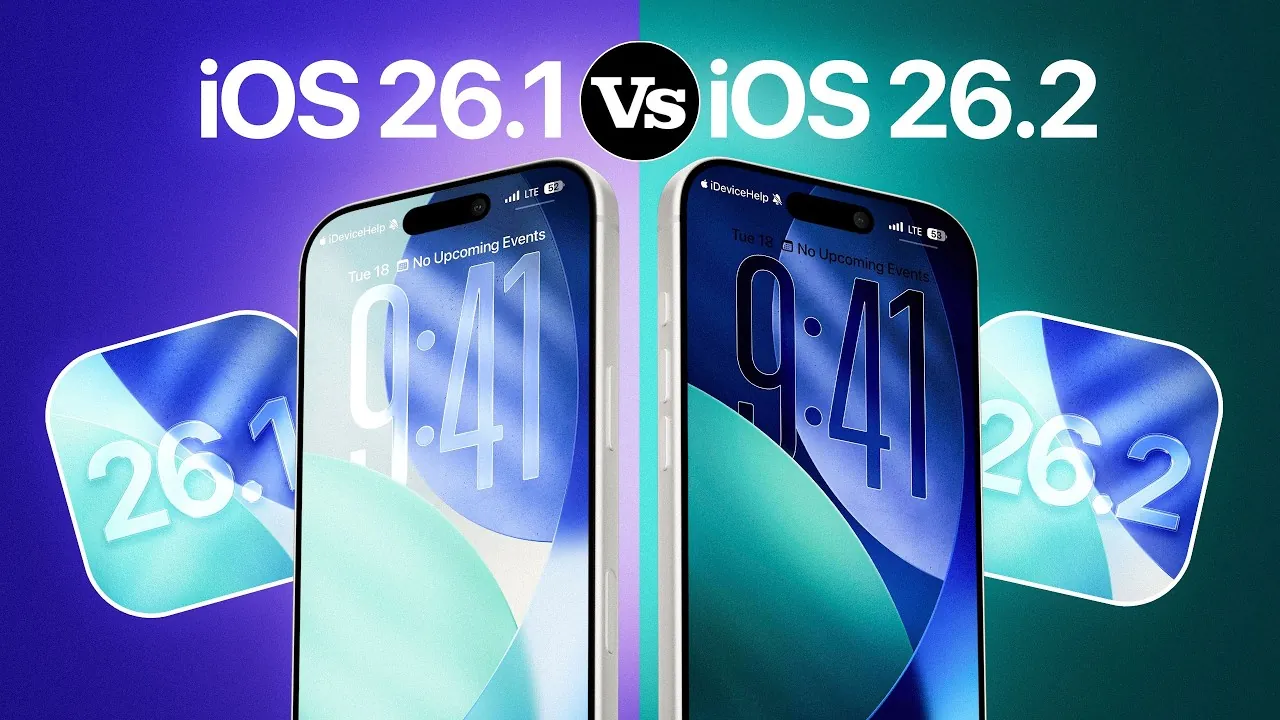
Apple’s iOS updates consistently generate interest and careful consideration among users. With the release of iOS 26.2, understanding how it compares to iOS 26.1 is essential to determine whether the update aligns with your needs. The video below from iDeviceHelp explores the key differences, focusing on animations, Liquid Glass effects, performance, and battery life, to help you make an informed decision.

Enhanced Animations: A Smoother Experience
iOS 26.2 introduces notable improvements to animations, delivering smoother and more fluid transitions throughout the interface. A highlight of this update is the “Liquid Glass” effect, which adds a refined, polished aesthetic to the user experience. These enhancements make navigating your device feel faster and more intuitive, particularly when switching between apps or accessing the home screen.
However, there is a trade-off to consider. The Liquid Glass effect is incompatible with the reduced transparency setting, which some users rely on for accessibility or visual comfort. If you prefer a simplified interface, this limitation may influence your experience. Despite this, the animation updates contribute to a more cohesive and visually engaging interface, enhancing the overall usability of your device.
Liquid Glass Effects: Personalization Meets Practicality
The Liquid Glass effect in iOS 26.2 is more than just a visual upgrade—it offers customization options that allow users to adjust the intensity of the effect, particularly on the lock screen. This feature enables you to personalize your device’s appearance, making it feel uniquely tailored to your preferences.
However, this customization comes with a compromise. Users who depend on reduced transparency for accessibility or visual ease must choose between this feature and the Liquid Glass effect. This design decision highlights Apple’s focus on innovation and aesthetics but may not fully accommodate all user needs. For those who prioritize personalization and visual appeal, the Liquid Glass effect adds a distinctive touch to the interface.
Performance: Subtle Adjustments with Minimal Impact
Performance is a critical factor when deciding whether to update your operating system. Benchmark tests for iOS 26.2 indicate a slight decrease in single-core and multi-core scores compared to iOS 26.1. While this may raise concerns, the impact on everyday usage is negligible.
In real-world scenarios, tasks such as app launches, multitasking, and navigation remain smooth and responsive. The minor decline in benchmark scores does not translate to noticeable performance issues, making sure that your device continues to operate efficiently. For most users, the performance changes in iOS 26.2 are unlikely to disrupt their daily activities.
Battery Life: Consistency Over Change
Battery performance often plays a significant role in the decision to update. With iOS 26.2, Apple has maintained the same battery life as iOS 26.1. There are no significant improvements or declines, meaning your device’s power consumption and usage patterns will remain consistent.
For users who prioritize battery longevity, this consistency may be reassuring. However, if you were expecting advancements in battery optimization, the lack of change might feel underwhelming. Still, the reliability of battery performance ensures that your device will continue to meet your daily needs without surprises.
Refinements to the User Experience
iOS 26.2 emphasizes refinements to the user experience, focusing on visual appeal and interface fluidity. The updated animations and Liquid Glass effects enhance the overall aesthetic, making interactions feel more seamless. While performance benchmarks show minor declines, these changes do not affect real-world functionality. Additionally, the steady battery life ensures reliability, maintaining the device’s usability across various tasks.
These updates reflect Apple’s ongoing commitment to design and usability, making sure that each iteration of iOS delivers meaningful improvements. By balancing innovation with practicality, iOS 26.2 continues to enhance the overall experience for users.
Making the Decision to Update
Deciding whether to update to iOS 26.2 depends on your priorities and how you use your device. If you value smoother animations, enhanced visual effects, and greater customization, iOS 26.2 offers worthwhile improvements. However, if you rely on reduced transparency for accessibility or are cautious about minor performance changes, you may prefer to wait for future updates.
By carefully evaluating these factors, you can make an informed choice that aligns with your preferences and usage patterns. iOS 26.2 underscores Apple’s dedication to delivering a polished and user-friendly experience, making sure that each update adds value to your device.
Gain further expertise in iOS 26.1 & iOS 26.2 by checking out these recommendations.
Source & Image Credit: iDeviceHelp
Filed Under: Apple, Apple iPhone, Top News
Latest Geeky Gadgets Deals
Disclosure: Some of our articles include affiliate links. If you buy something through one of these links, Geeky Gadgets may earn an affiliate commission. Learn about our Disclosure Policy.
Credit: Source link