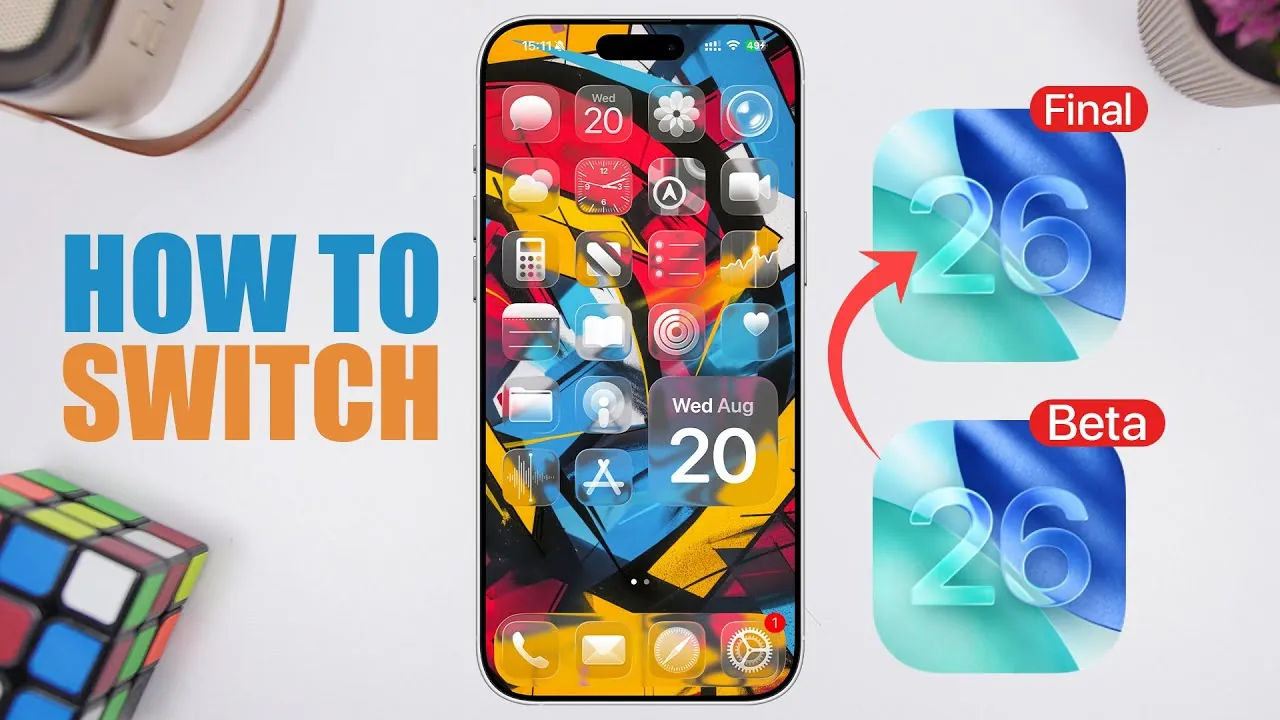
Upgrading from the iOS 26 beta to the final public release ensures your device operates on the most stable and polished version of Apple’s latest operating system. Whether you are a developer, tester, or an early adopter, understanding the process is essential to avoid potential issues. The video below from iReviews outlines two clear methods for transitioning, allowing you to choose the approach that best aligns with your preferences and needs.

iOS 26 Release Timeline: Key Dates to Remember
Apple’s software release schedule follows a predictable pattern, and iOS 26 is no exception. Being aware of the timeline can help you plan your transition effectively:
- The Release Candidate (RC), which mirrors the final public release in terms of features and stability, is expected to be available around September 8th or 9th.
- The official public release is anticipated on September 15th, marking the conclusion of the beta testing phase.
These dates provide a clear roadmap, helping you decide whether to update to the RC version early or wait for the official public release.
Option 1: Updating to the Release Candidate (RC) Version
For those eager to experience the final features of iOS 26 as soon as possible, the RC version offers the quickest path. Follow these steps to make the transition:
- Ensure your device is running the latest beta version, such as beta 8. To verify, go to Settings > General > Software Update.
- Once the RC version becomes available, install it through the same Software Update menu.
- After installation, disable beta updates to prevent your device from receiving future beta builds. Navigate to Settings > General > Software Update > Beta Updates and select Off.
This method allows you to access the final version of iOS 26 ahead of the public release while making sure your device remains on a stable track moving forward.
Option 2: Waiting for the Official Public Release
If you prefer a safer approach that avoids any potential risks associated with beta software, waiting for the public release is the ideal option. Here’s how to prepare:
- Update your device to the latest beta version, such as beta 8, to ensure compatibility with the final release.
- Disable beta updates in your settings to stop receiving beta builds. This step ensures a smooth transition to the public release version.
- On September 15th, refresh the Software Update page to check for the public release of iOS 26. Once available, install the update to complete the transition.
This approach is best suited for users who prioritize stability and prefer to wait for the officially finalized version of iOS 26.
Important Tips for a Seamless Transition
Regardless of the method you choose, keeping these considerations in mind will help ensure a smooth and hassle-free update process:
- The RC version and the public release of iOS 26 are identical in terms of features and stability. Your choice depends on how soon you want to update.
- Disabling beta updates is essential to prevent your device from inadvertently installing future beta versions, which could compromise system stability.
- Regularly check the Software Update section to avoid missing the availability of the RC or public release.
- Back up your device before updating to safeguard your data in case of unexpected issues during the transition.
By following these tips, you can minimize disruptions and enjoy the full benefits of iOS 26 with confidence.
Making the Transition to iOS 26
Transitioning from the iOS 26 beta to the final release is a straightforward process when approached with the right information. Whether you choose to update to the RC version or wait for the public release, both methods provide a reliable path to Apple’s latest operating system. By managing your settings, staying informed about the release timeline, and following the outlined steps, you can ensure a smooth upgrade. This will allow you to fully enjoy the enhanced features, improved stability, and refined experience of iOS 26 without unnecessary interruptions.
Expand your understanding of iOS 26 Update with additional resources from our extensive library of articles.
Source & Image Credit: iReviews
Filed Under: Apple, Apple iPhone, Guides, Top News
Latest Geeky Gadgets Deals
Disclosure: Some of our articles include affiliate links. If you buy something through one of these links, Geeky Gadgets may earn an affiliate commission. Learn about our Disclosure Policy.
Credit: Source link