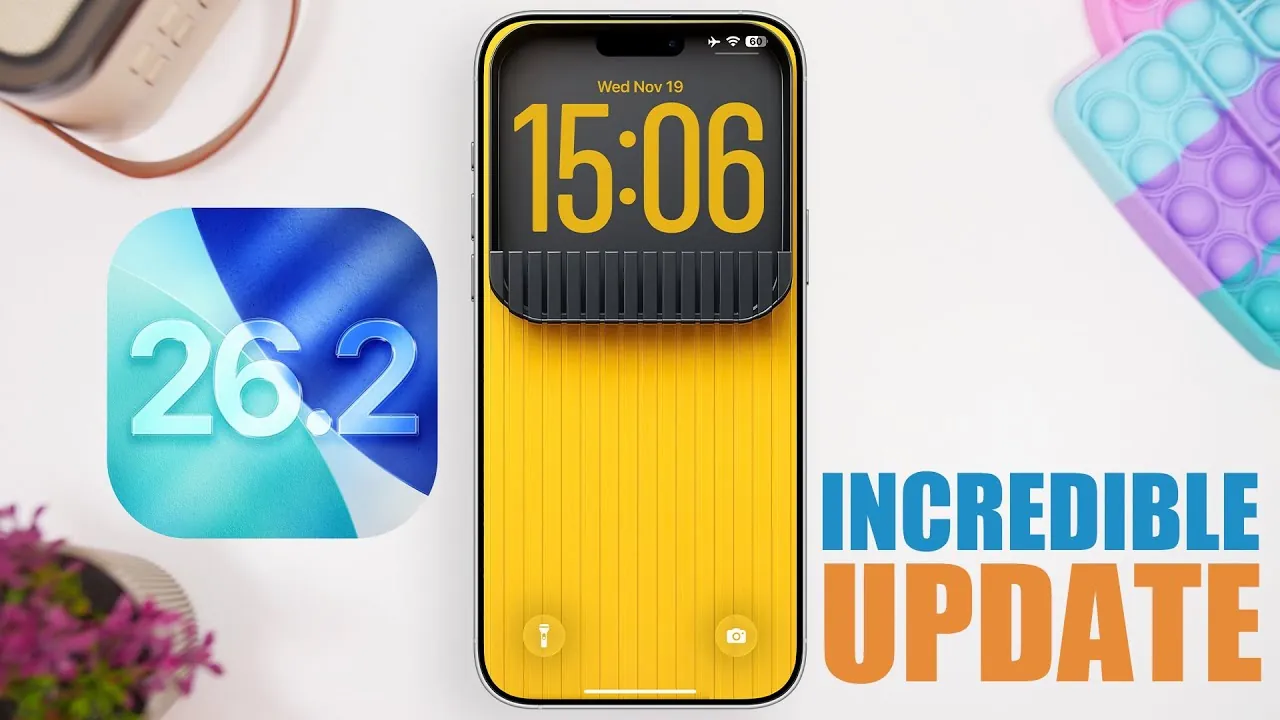
Apple’s iOS 26.2 update is set to introduce a range of features designed to enhance your iPhone’s usability, personalization, and overall functionality. Scheduled for release on December 8, 2025, this update focuses on improving accessibility, streamlining daily interactions, and boosting productivity. With a mix of practical tools and creative enhancements, iOS 26.2 promises to deliver a more seamless and engaging experience. The video below from iReviews gives us a detailed look at the standout features that will transform how you use your iPhone.
Apple Podcasts: Smarter Navigation with Autogenerated Chapters
Navigating podcasts becomes significantly easier with the new autogenerated chapters feature. Powered by advanced AI, this tool divides podcast episodes into clear, logical sections, allowing you to quickly locate specific topics or skip to the parts that interest you most. Whether you’re revisiting a favorite moment or exploring new content, this feature ensures a more intuitive and efficient listening experience. By eliminating the need to manually search through episodes, it saves time and enhances usability.
Lock Screen Customization: A Personal Touch
The lock screen receives a stylish and functional upgrade in iOS 26.2. The liquid glass clock effect now offers adjustable transparency and customizable color options, allowing you to personalize your iPhone’s appearance to match your style. This feature not only enhances the aesthetic appeal of your device but also ensures that essential information remains easily visible. With these new customization tools, your lock screen becomes a unique blend of form and function.
Flash Alerts for Notifications: Stay in the Loop
The flash alerts feature ensures you never miss an important notification again. Users can now choose between their flashlight, screen, or both to signal incoming notifications. This feature is particularly useful in noisy environments or when your phone is in silent mode. You can even enable flash alerts while your phone is unlocked, providing a versatile way to stay informed regardless of the situation. It’s a practical addition that keeps you connected and aware at all times.
Offline Lyrics in Apple Music: Sing Along Anywhere
Music lovers will appreciate the addition of offline lyrics in Apple Music. This feature allows you to access lyrics for downloaded songs without requiring an internet connection. Whether you’re on a long flight or in an area with limited connectivity, you can now sing along or delve into the meaning of your favorite tracks anytime. This enhancement ensures that your music experience remains uninterrupted, no matter where you are.
Reminders App: Prioritize with Urgent Alarms
Task management becomes more efficient with the introduction of “Urgent” alarms in the Reminders app. This feature allows you to assign specific times and dates to critical tasks, making sure they are flagged for immediate attention. Whether you’re managing deadlines, appointments, or time-sensitive responsibilities, the Urgent alarms help you stay organized and focused. It’s a practical tool for anyone looking to improve productivity and stay on top of their schedule.
Game Sorting and Filtering: Organize Your Library
Gamers will benefit from the improved organization tools in the Games app. The new sorting and filtering options allow you to arrange your game library by recent activity, name, size, or category. This makes it easier to locate and launch your favorite titles, especially if you have an extensive collection. By streamlining access to your games, this feature enhances convenience and ensures a smoother gaming experience.
AirDrop PIN Code Sharing: Secure and Convenient
AirDrop becomes more versatile with the addition of PIN code sharing. This feature allows you to securely share files with known contacts for up to 30 days using a unique PIN. It’s particularly useful in collaborative or professional environments, where secure and reliable file sharing is essential. By combining convenience with enhanced security, this update makes AirDrop an even more valuable tool for users.
Third-Party Assistant Integration: More Choices
iOS 26.2 introduces the ability to replace Siri with a third-party assistant via the side button, starting with users in Japan. While currently limited to a specific region, this feature has the potential to expand globally, offering greater flexibility in how you interact with your device. By allowing users to choose their preferred assistant, Apple provides a more personalized and adaptable experience.
Safety Alerts for Emergencies: Timely Notifications
Safety alerts receive a significant upgrade in iOS 26.2, with improved notifications for emergencies such as earthquakes and imminent threats. These alerts are designed to deliver critical information quickly and reliably, making sure you stay informed during urgent situations. Customizable settings allow you to tailor these alerts to your specific needs, providing peace of mind and enhanced safety.
Live Translation for EU Users: Break Language Barriers
Real-time language translation is now available to users in the European Union, making cross-language communication more seamless than ever. Whether you’re traveling, conducting business, or engaging in cultural exchanges, this feature simplifies interactions and fosters understanding. By breaking down language barriers, it enables smoother communication in a variety of contexts.
What to Expect
iOS 26.2 is set to roll out to the public on December 8, 2025, following its final beta and Release Candidate phases. With a focus on personalization, accessibility, and security, this update introduces a range of features designed to enhance your iPhone experience. From smarter navigation and improved task management to enhanced safety and customization options, iOS 26.2 offers tools that cater to both practical needs and personal preferences. Prepare to explore these exciting updates and unlock the full potential of your device.
Enhance your knowledge on the iOS 26.2 update by exploring a selection of articles and guides on the subject.
Source & Image Credit: iReviews
Filed Under: Apple, Apple iPhone, Top News
Latest Geeky Gadgets Deals
Disclosure: Some of our articles include affiliate links. If you buy something through one of these links, Geeky Gadgets may earn an affiliate commission. Learn about our Disclosure Policy.
Credit: Source link