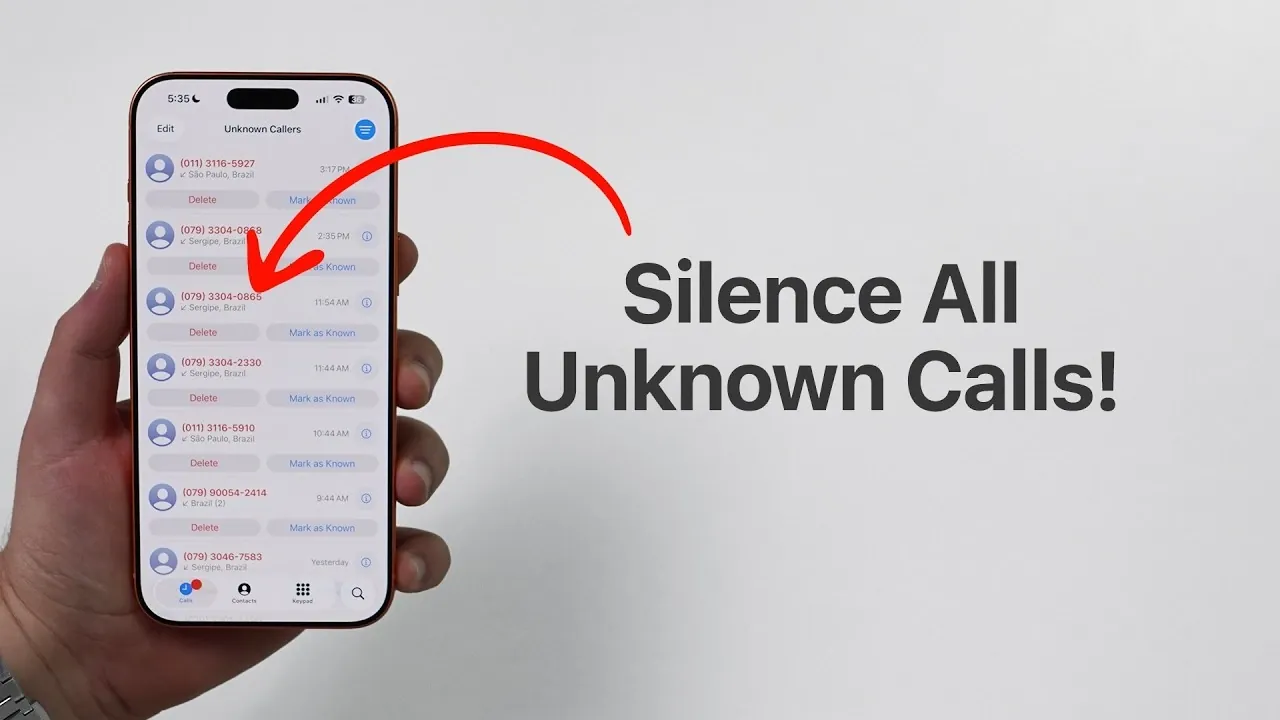
Are you frequently interrupted by calls from unknown numbers? With iOS 26, Apple has introduced the “Silence Unknown Callers” feature, a practical solution to minimize distractions by automatically silencing calls from numbers not saved in your contacts. This guide provides a detailed explanation of how to enable this feature, how it functions and alternative methods for managing incoming calls effectively.
How to Enable “Silence Unknown Callers”
Activating the “Silence Unknown Callers” feature is a simple process that can be completed in just a few steps:
- Open the Settings app on your iPhone.
- Scroll down and select Phone.
- Locate the Silence Unknown Callers option and toggle it on.
Once enabled, calls from numbers not stored in your contacts will no longer ring or send notifications. Instead, these calls are redirected to voicemail, where you can review them at your convenience. This feature is particularly useful for avoiding spam calls or interruptions from unfamiliar numbers, allowing you to maintain focus on your priorities.
How the Feature Handles Exceptions
The “Silence Unknown Callers” feature is designed with built-in exceptions to ensure you don’t miss important calls. These exceptions include:
- Recently Dialed Numbers: Calls from numbers you’ve recently called, even if they’re not saved in your contacts, will still ring.
- Siri Suggestions: Numbers identified by Siri from sources like emails or text messages will bypass the silencing feature and ring as usual.
These exceptions provide a balanced approach, making sure that critical calls can still reach you while minimizing unnecessary interruptions.
Exploring Alternative Call Management Options
If silencing all unknown callers feels too restrictive, iOS 26 offers additional tools to help you manage incoming calls more flexibly. These include:
- Call Filtering: This feature categorizes incoming calls based on their source, such as known contacts, businesses, or unknown numbers, making it easier to prioritize which calls to answer.
- Call Screening: With this option, you can review calls in real-time and decide whether to answer, decline, or send them to voicemail without needing to pick up the phone.
These tools provide more nuanced control over your call management, making them ideal for users who want to avoid fully silencing unknown numbers while still maintaining a level of organization and privacy.
Key Considerations Before Allowing
While the “Silence Unknown Callers” feature is highly effective, it may not be suitable for everyone. Here are some important factors to consider:
- Frequent Calls from Unsaved Numbers: If you regularly receive calls from new clients, businesses, or other unsaved numbers, allowing this feature could result in missed opportunities.
- Alternative Options: Features like call filtering and screening offer greater flexibility, allowing you to manage calls without completely silencing them.
Your decision should be based on your specific needs and how you balance accessibility with minimizing distractions. For professionals or individuals who rely on unsaved numbers for communication, alternative options may provide a better solution.
Maximizing Control Over Your Calls
The “Silence Unknown Callers” feature in iOS 26 is a valuable tool for enhancing privacy and reducing interruptions. By silencing calls from numbers not in your contacts, you can focus on what matters most without unnecessary distractions. However, it’s essential to weigh the benefits against potential drawbacks, such as missing important calls and explore alternative options like call filtering and screening for a more tailored approach. With these tools, you can take full control of your incoming calls and create a phone experience that aligns with your preferences and lifestyle.
Browse through more resources below from our in-depth content covering more areas on iPhone.
Source & Image Credit: Daniel About Tech
Filed Under: Apple, Apple iPhone, Guides
Disclosure: Some of our articles include affiliate links. If you buy something through one of these links, Geeky Gadgets may earn an affiliate commission. Learn about our Disclosure Policy.
Credit: Source link